Sep 29, 2026
10 min read
Stop losing leads to slow responses. Learn how Instagram DM automation can help you reply instantly, capture more leads, and grow your business—even while you sleep.
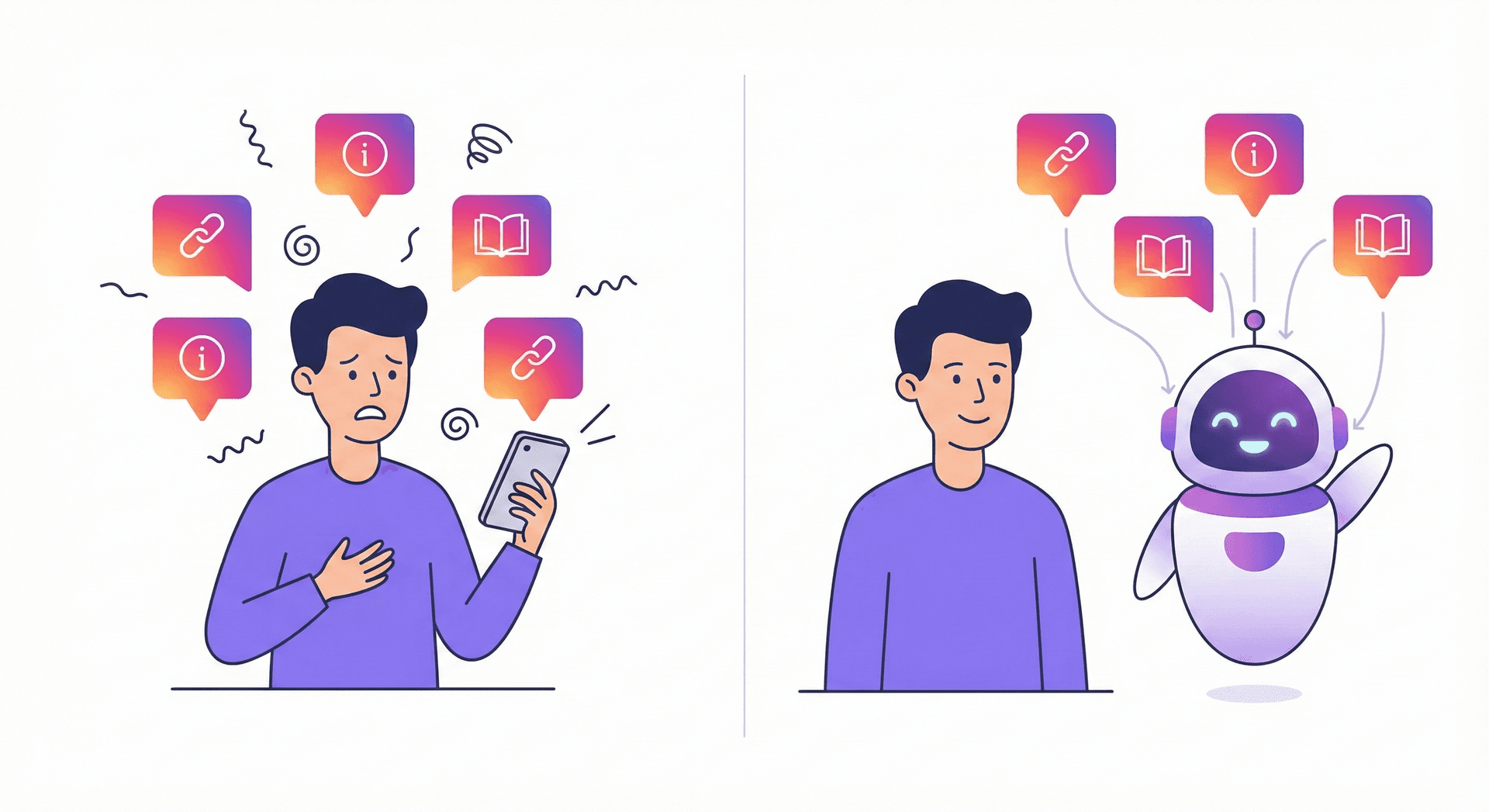
You just posted a Reel that's taking off. Comments are flooding in. Your DMs are pinging nonstop with potential customers asking about your services.
But here's the problem: you're in the middle of dinner. Or a client call. Or, you know, sleeping.
By the time you finally check your inbox the next morning, half those leads have gone cold. Some have already bought from a competitor who replied faster.
Sound familiar?
If you're an Instagram creator, small business owner, or coach, you've probably experienced this exact frustration. The platform that's supposed to grow your business is actually costing you sales—simply because you can't be online 24/7.
But what if you could reply to every single DM instantly, capture every lead's information, and nurture potential customers automatically?
That's exactly what Instagram DM automation does. And in this guide, I'll walk you through everything you need to know to set it up yourself—even if you've never touched an automation tool in your life.
Let's start with the basics.
Instagram DM automation is exactly what it sounds like: using software to automatically send and respond to direct messages on your behalf. But it's not about spamming strangers or pretending to be something you're not.
Think of it more like having a really smart assistant who knows your business inside and out. When someone messages you at 2 AM asking about your coaching program, your automation sends them a helpful response with all the details they need. When someone comments "LINK" on your post, they instantly receive a DM with your product URL.
The best part? This all happens within Meta's official guidelines. Modern automation tools like SyncRelay work through Instagram's approved API, meaning everything is completely safe and compliant with the platform's rules.
Here's what DM automation can do for you:
It's not about replacing genuine connection—it's about making sure every potential customer gets a fast, helpful response while you focus on actually running your business.
Still on the fence? Let me share some numbers that might change your mind.
According to recent research, 90% of customers expect a response to their social media inquiry within 10 minutes. Meanwhile, the average business response time on Instagram is over 10 hours. That's a massive gap—and it's costing businesses real money.
Here's the kicker: leads contacted within 5 minutes are 21x more likely to convert than those contacted after just 30 minutes. Read that again. Twenty-one times more likely.
The data is clear: speed matters more than almost anything else when it comes to converting Instagram followers into paying customers.
But the reality is that most business owners can't manually respond to DMs within minutes. You're creating content, serving existing clients, managing operations, and occasionally trying to have a life. Something has to give.
That's where Instagram automation becomes a game-changer.
With Instagram now hosting over 2 billion monthly active users—and 150 million of them chatting with businesses every month—the opportunity is enormous. But so is the competition. When you use an Instagram chatbot or auto reply system, you're not just keeping up—you're giving yourself a significant edge over competitors who are still checking their DMs twice a day.
And there's another trend worth noting: Instagram's public engagement rates have been dropping (down to around 0.61% for feed posts), but private messaging is exploding. Meta has explicitly highlighted the "growing importance of private messaging" across its platforms. Your followers might not like every post, but they will DM you when they're ready to buy. The question is whether you'll be there to catch them.
Ready to see what's possible? Here are the five most powerful types of Instagram DM automation—and how each one can work for your business.
This is the foundation of any good automation strategy. When someone sends you a DM, they get an instant response.
But here's what makes modern auto replies on Instagram special: they're not generic one-size-fits-all messages. You can set up different responses based on specific keywords or questions.
For example, if someone asks "What are your prices?", they get your pricing info. If they ask "Do you ship internationally?", they get your shipping details. If they just say "Hi," they get a friendly welcome and an invitation to share how you can help.
This keeps conversations feeling personal while ensuring nobody waits hours for a simple answer.
This one is pure magic for content creators and product-based businesses.
Here's how it works: you create a post or Reel and tell your audience to comment a specific word (like "GUIDE" or "LINK") to receive something valuable. When they comment, your automation instantly sends them a DM with whatever you promised.
Why is this so powerful? A few reasons:
Top creators use this strategy to deliver lead magnets, exclusive discounts, product links, and more. And because everything happens automatically, you can run this 24/7 without touching your phone.
When someone replies to your Instagram Story, they're showing genuine interest in what you shared. Story reply automation helps you capitalize on that momentum.
Set up responses that engage these warm leads immediately. If someone heart-reacts to your Story about a new product launch, they can automatically receive a message asking if they'd like to learn more or get early access.
Since Stories disappear in 24 hours, speed matters even more here. Automation ensures you never miss a Story reply, even if hundreds come in at once.
First impressions count. When someone new follows your account, why not greet them?
A welcome message automation sends a friendly DM to new followers, introducing yourself and your business. You can share what kind of content you post, invite them to check out your best resources, or simply ask what brought them to your page.
This simple touchpoint can dramatically increase engagement with new followers and start building a relationship from day one.
This is where Instagram automation really starts generating revenue.
Instead of just answering questions, you can set up automated conversations that collect valuable information from your leads. Ask for their email address in exchange for a freebie. Ask qualifying questions to understand their needs. Collect their phone number if they want a callback.
All of this happens through natural-feeling conversation flows—like chatting with a helpful person—while you focus on other things. The leads and contact info get organized automatically, ready for you to follow up or add to your email list.
Alright, let's get practical. Here's exactly how to automate Instagram messages using SyncRelay. Don't worry—this is designed for beginners, and you won't need any technical skills.
First, head to SyncRelay and create your free account. You'll need an Instagram Business or Creator account (personal accounts don't have API access for automation). If you're still on a personal account, switching is free and takes about two minutes in your Instagram settings.
Once you're in SyncRelay, click to connect your Instagram. You'll be walked through Meta's official authorization process—this is what keeps everything safe and compliant. Grant the necessary permissions, and you're connected.
Now for the fun part. In your SyncRelay dashboard, you'll see options for different automation types. For your first one, I recommend starting with something simple like a keyword auto-reply.
Let's say you're a fitness coach and people often ask about your programs. You'd create an automation triggered by keywords like "program," "coaching," "training," or "prices."
Write the message you want people to receive. Here are some tips for crafting great automated responses:
For example: "Hey! 👋 So glad you're interested in my coaching programs! I've got a few options depending on your goals. Here's a quick breakdown: [link]. If you want to chat about which one's right for you, just reply 'CHAT' and I'll get back to you personally!"
Before turning your automation on, send yourself a test DM with your trigger keywords. Make sure everything looks right, links work, and the message sounds natural.
Once you're happy with your test, activate the automation. SyncRelay will start responding to matching messages immediately.
Check your analytics in the first few days to see how many conversations you're capturing. You can always refine your keywords or messages based on what you learn.
For questions that need a personal touch, set up a fallback that notifies you or passes the conversation to a human. This way, complex inquiries get your attention while simple ones are handled automatically.
Learning from other people's mistakes is one of the smartest things you can do. Here are the most common automation pitfalls I see—and how to sidestep them.
Nobody wants to feel like they're talking to a machine. If your automated messages read like they came from a corporate handbook, people will disengage fast.
The fix: Write your messages in your natural voice. Read them out loud. Would you actually say this to someone in person? If not, rewrite it.
Some people will want to talk to a real human. If there's no way to do that, they'll get frustrated and leave.
The fix: Always include a way to reach a real person. Something like "Want to chat with me directly? Just reply 'HUMAN' and I'll jump in!" works great.
Automation should enhance your relationships, not replace them. If you automate every single interaction, you lose the personal touch that makes Instagram powerful.
The fix: Use automation for initial responses and common questions. But personally engage with hot leads, loyal customers, and anyone who needs a human touch.
Setting up automation and never checking it again is a missed opportunity. Your analytics tell you what's working and what needs improvement.
The fix: Schedule a weekly check-in to review your automation performance. Which messages get the best responses? Where are people dropping off? Optimize continuously.
If you trigger automation for too many general words, people might get automated responses when they were expecting a real conversation.
The fix: Be specific with your trigger keywords. "INFO" or "LINK" is better than triggering on common words like "hello" or "thanks."
This is the question I get most often, and it's a smart one to ask. The short answer: yes, Instagram DM automation is completely safe—when you use the right tools.
Let me explain the difference between safe and unsafe automation.
Modern tools like SyncRelay use Meta's official Instagram Graph API. This is the approved method for third-party tools to interact with Instagram. When you use an API-based tool, you're playing by Instagram's rules. There's no risk of account bans or penalties because everything operates within the platform's guidelines.
Meta actually wants businesses to use this technology—that's exactly why they built and maintain the API. It's in their interest for businesses to succeed on Instagram.
The problems arise with "unofficial" automation tools that don't use the official API. These tools work by essentially pretending to be you—logging in with your username and password and mimicking human behavior through your browser or app.
Instagram's systems can detect this kind of automation, and using it can result in warnings, temporary bans, or even permanent account suspension.
Red flags to watch for:
Here are the key compliance requirements for safe automation:
When you use SyncRelay or any legitimate Meta-approved automation tool, all of this compliance is built in. You're protected.
Let's recap what we've covered:
Instagram DM automation isn't about being fake or spammy—it's about making sure every potential customer gets a fast, helpful response, even when you're not online. With the expectation that businesses respond within minutes and the reality that most take hours, automation is the bridge that closes that gap.
You can use auto-replies to answer common questions instantly, comment-to-DM flows to turn engagement into leads, Story reply automation to capture warm prospects, welcome messages to make great first impressions, and lead capture flows to collect contact information on autopilot.
Setting up your first automation is straightforward, and when you use an official API-based tool like SyncRelay, you can rest easy knowing your account is safe and compliant with all of Meta's guidelines.
The businesses that win on Instagram in 2025 aren't necessarily the ones with the most followers. They're the ones who respond fastest, capture every lead, and nurture relationships at scale.
The only question is: are you going to keep letting leads slip through the cracks, or are you ready to automate Instagram messages and start converting more followers into customers?
Ready to stop losing leads to slow DM responses?
Try SyncRelay free and set up your first Instagram DM automation in minutes. No credit card required, no technical skills needed—just more leads and more time back in your day.
Have questions about Instagram automation? Drop them in the comments below, or DM us on Instagram @syncrelay—we'll respond fast. 😉